











The good news is that you do not have to drain the college fund to stay connected, because these proven tactics can help you save.
1. Buy Refurbished or Certified-Pre-Owned Devices
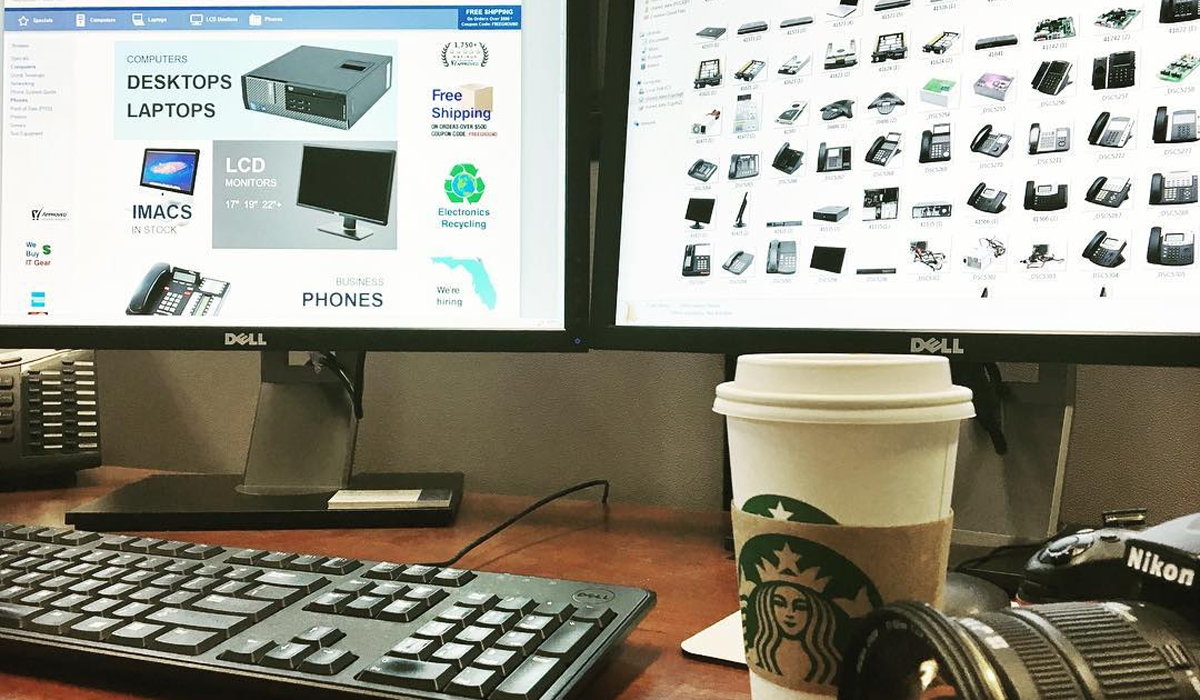
Photo from: PCLiquidations.com
If the word “refurbished” makes you picture dusty, second-hand laptops, it’s time for a mindset update. Certified pre-owned devices are professionally inspected, repaired, and tested to meet manufacturer standards.
According to one study, buying a refurbished model offers savings of between 20-60%. This approach is popular among young families, with data showing that nearly one in four buyers is aged 25-44.
Reputable third-party retailers are a top source for value, as they provide quality assurance alongside savings. Exploring options from sellers like affordable PCLiquidations' refurbished laptops online can yield significant benefits, often including warranties and clear return policies. These programs provide peace of mind and make the process as reliable as buying a new one.
Buying Checklist
- Warranty & Return Window: Look for at least a 90-day warranty and a no-hassle return period.
- Battery Health: Ask for the most recent cycle-count report; under 300 cycles is a good sign.
- Cosmetic Grade: “Grade A” usually means minimal wear; “Grade B” may show scuffs but no cracks.
- Accessories Included: Confirm you’re getting the correct charger, stylus, or detachable keyboard.
- Trade-In Credit: Many refurb retailers give extra savings for your old device, lowering the net cost even further.
|
Key Insight: Choosing certified-refurbished tech isn't about settling. It’s a strategic move to get manufacturer-tested quality and performance while saving 30-50%, often with a solid warranty. |
2. Maximize Family-Share & Subscription Bundles
Every new device seems to come with its own monthly fee, but pooling those plans is an instant way to shrink the bill without reducing service quality. Consider these common areas for bundling to find savings.
- Family Data Plans: Major carriers offer multi-line packages that are significantly cheaper per line than individual plans. Automatic payments and paperless billing can shave off even more each month.
- Multi-User Software & Streaming: Many office suites cover up to six users for one price, usually less than two solo licenses. Family plans for music and video streaming work the same way.
- Carrier Upgrade & Trade-In Programs: Mobile providers often offer credit for older phones when you add a line to a family plan. Combine that with promotions for maximum savings.
Audit Your Subscriptions
A quick 15-minute audit of your monthly services can often reclaim $20–$40 a month. List every app or service you pay for and highlight any duplicates, like having multiple music or cloud storage platforms. From there, you can cancel overlaps or downgrade to more affordable family tiers.
|
Pro Tip: Make subscription audits a quarterly task. A quick 15-minute review of shared plans and unused services can easily save your household hundreds of dollars per year with minimal effort. |
3. Stretch the Life of Your Existing Tech

Photo from PCLiquidations.com
Perhaps the most budget-friendly device is the one you already own and rely on every day. With a little care and a few smart habits, you can often delay expensive replacement purchases by a year or more. Simple maintenance and smart software choices can make a huge difference.
- Preventive Maintenance: A shock-absorbent case and screen protector are inexpensive insurance against accidental damage. Regular operating system updates also patch security holes and keep devices running smoothly.
- Free & Open-Source Alternatives: Instead of paying for photo-editing software or office suites, look for powerful free versions. Many cloud-based alternatives and design platforms offer robust features at no cost.
- Device-Sharing Rules: Create a "tech agreement" that outlines usage schedules, charging responsibilities, and in-app purchase limits. Posting a chart on the fridge helps teach accountability and postpones the need for extra devices.
Helpful Tips for Family Tech Agreements
To make your tech agreement effective, try rotating "prime time" sessions for gaming or streaming to ensure fairness. It also helps to set pop-up budget alerts in app stores to prevent surprise charges.
You can even assign a weekly "device check" duty to each child to look for low batteries or pending updates.
|
Warning/Important: The biggest hidden tech expense isn't the initial purchase; it's the premature replacement. Simple protective cases and regular software updates are your best defense against unnecessary upgrade costs. |
Your Next Steps
You now have three concrete strategies to keep your family online without blowing the budget. Shop refurbished, pool subscriptions, and extend device life. Pick one tactic this week, whether you price a certified pre-owned laptop or run a 15-minute subscription audit. Small changes can lead to significant savings over time.

Photo from: Freepik
|
Author Profile: PCLiquidations is the leading online retailer of quality refurbished technology for businesses, schools, government organizations, and home users. |



Ashley Pugh ;
Ashley Pugh is one of the Co-Founders of Familydaysout.com and has been committed to writing family related content since 2008. There isn't much about family attractions that Ashley doesn't know, after visiting hundreds of them worldwide over the last 20 years.
Leave a comment